Bringing the Power of Agents Into Flows

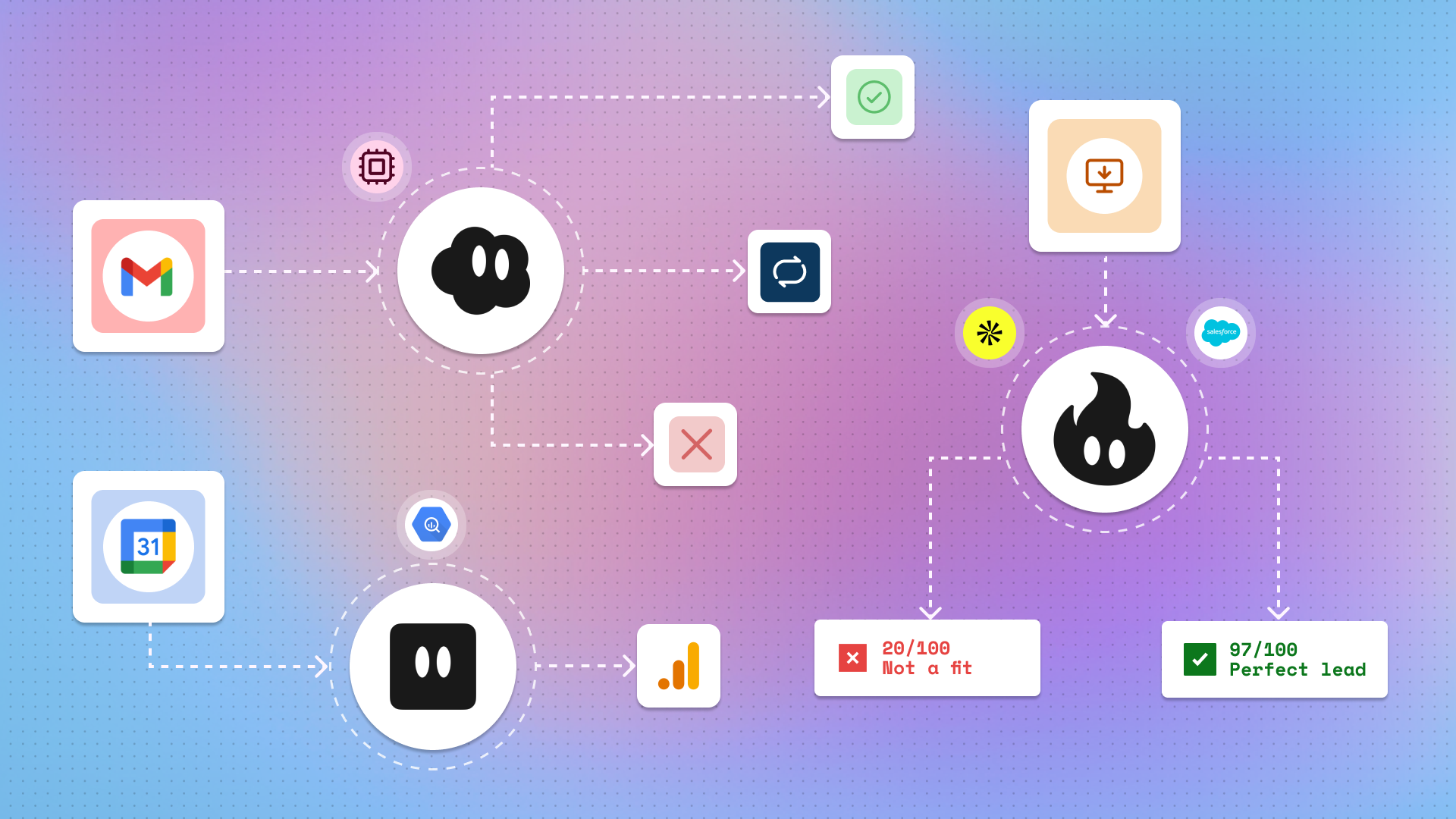
Run agents in the background with webhooks, as well as time- and app-based triggers.
Not too long ago, we introduced agents into Gumloop. What makes agents especially useful is their flexibility: agents can perform open-ended tasks and use complex reasoning to solve problems. Agents can even use Gumloop flows as part of their toolkit to ensure that they’re able to solve problems more predictably and efficiently.
But what about the reverse? Instead of using flows in agents, could you use agents in a flow?
Well, now you can!
Why put an agent in a flow?
One major benefit of putting agents in flows is that they can work in the background. Previously, you would have needed to interact with your agent by @ing it in Slack, or chatting with it in Gumloop. But now, if you put an agent in a flow, you can kick off the flow with a webhook, a time trigger, or a trigger for an event in an app (a new email received, a form response submitted, a Zendesk ticket filed, etc.), and then the agent can do its work.
Another reason to use agents in flows: you can more easily run agents for bulk actions, using flows in loop mode.
Here are some examples of how you might use agents in flows:
- Email triage: when a new email enters your inbox, an agent labels incoming emails according to specific criteria.
- SDR lead qualification: when a new lead comes in, an agent qualifies the lead based on internal scoring frameworks.
- Pre-meeting research: before every meeting, an agent aggregates information on the other attendees from your CRM.
Agents in flows, flows in agents…
Generally speaking, flows can solve predictable, deterministic problems with clearly defined “starts” and “ends,” while agents can solve more open-ended, non-deterministic problems. In real life, though, not everything is so binary. When looking at an entire business workflow, it might contain some elements that are highly predictable and deterministic, and some elements that are not quite as predictable or deterministic.
Returning to the email triage example: you might always want to perform the exact same set of predictable steps depending on whether an email is marked as “High” or “Low” priority, which makes it a good fit for a flow. But deciding whether an email should be categorized as “High” or “Low” priority is less clear-cut and requires the non-deterministic decision-making power of an agent.
Certain flow nodes already allow you to incorporate agentic elements (like the Ask AI node), but this latest update opens up the possibility of adding fully customizable agents with multiple tools into your flows — greatly expanding the types and complexity levels of possible use cases.
We can’t wait to see what you all will build!
Can I publish flows with agents in them as templates?
Not yet, although we’re hoping to get this out as soon as possible!
Should I make a flow with an agent in it, or an agent with a flow in it?
It depends on your specific use case. Something to consider is how and when you want to run your workflow. If you want to run your workflow ad hoc from Slack, an agent with a flow in it might be better. If you want your workflow to run automatically in response to triggers, a flow with an agent in it might be better.
Let’s talk about nesting. Can I make a flow with an agent that has a flow in it? What about an agent with a flow that has an agent in it?
You can, in fact, nest as many flows in agents and agents in flows as you want. However, every additional layer will add more runtime and cost more credits (and make it harder to debug if and when you encounter errors!), so be careful if you go beyond 2–3 layers of nesting.

Read related articles
Check out more articles on the Gumloop blog.