


Native vs AI-generated nodes
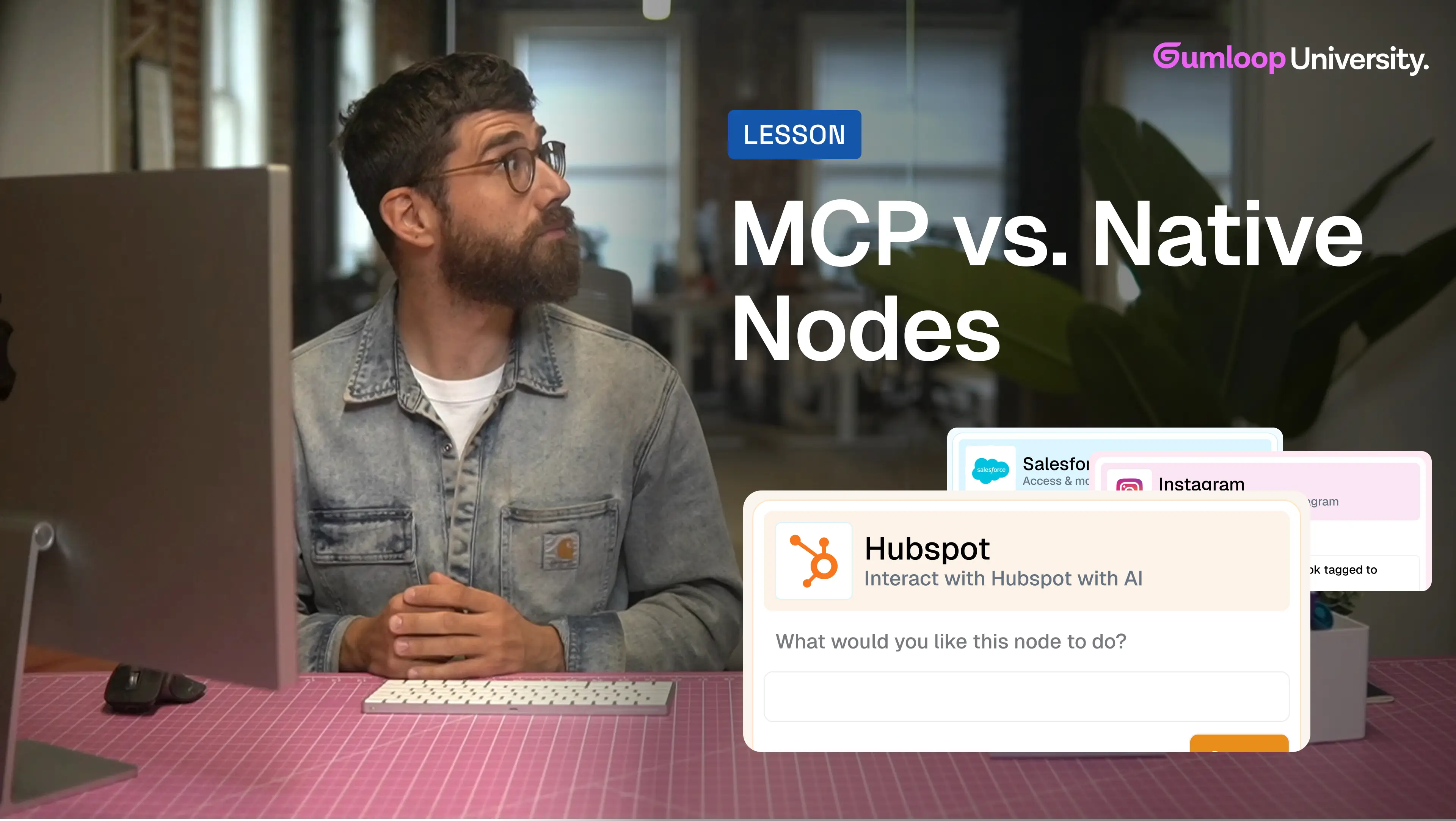
Gumloop has two types of nodes: Native nodes for common actions (like sending a Slack message) and MCP nodes that you create by describing what you need. Native nodes are faster to set up. MCP nodes give you unlimited flexibility.
As you build more flows in Gumloop, you'll notice something: for every integration—whether it's Slack, Google Sheets, Airtable, or anything else—there are actually two ways to work with that tool.
You've got native nodes (the pre-built ones) and MCP nodes (the AI-generated ones).
Understanding when to use each will unlock a whole new level of automation power. Let's break it down.
Native Nodes: Pre-built for common actions
Native nodes are the ones we've built for you—covering the most common things people want to automate in any given tool.
Take Slack, for example. The native nodes let you:
- Read messages from a channel
- Send a message
- Get channel information
- And a handful of other frequently-used actions
These nodes are ready to go. Just drag them onto your canvas, configure a few settings (like which channel to read from or how far back to look), and you're done.
When to use native nodes:
- You're doing something standard and commonly automated
- You want to get up and running quickly
- The pre-built node does exactly what you need
Native nodes are like the fast lane—quick, reliable, and perfect for the 80% of use cases that most people need.
Start with native nodes
When you're building a new flow, always check if there's a native node for what you need first. They're faster to set up and require less configuration.
MCP Nodes: Build exactly what you need
But here's the thing: every tool has way more capabilities than just the common actions.
In Slack alone, you can create channels, update topics, archive conversations, invite users, set reminders, manage permissions... the list goes on and on. There are hundreds of possible actions.
We can't possibly build a native node for every single one—it would be overwhelming, and most people would never use 90% of them.
That's where MCP nodes come in.
MCP nodes let you describe what you want to do, and Gumloop will generate a custom node for you on the spot.
How MCP nodes work
Let's say you want to pull messages from a specific user in a Slack channel from the last week. There's no native node for that exact combination.
Here's what you do:
- Drag the MCP node for Slack onto your canvas
- Describe what you need: "Get messages by Aaron from the last week in #general"
- Gumloop's AI (we call it Gummy) writes the code to make it happen
- You get a custom node that does exactly that
Once it's generated, the MCP node works just like a native node. You can configure inputs, connect it to other nodes, and run your flow. The difference is—you built it yourself by just describing what you wanted.
What does MCP stand for?
MCP stands for Model Context Protocol. It's the technology that lets AI interact with tools and applications programmatically. When you prompt an MCP node, Gummy uses this protocol to generate the code that connects to the underlying tool (like Slack's API) and performs exactly the action you described.
The cool part? You don't need to understand how it works—you just describe what you want, and it happens.
When to use each type
Here's a simple way to think about it:
Use native nodes when:
- You're doing something standard (sending a message, reading a spreadsheet, creating a task)
- There's already a pre-built node that does what you need
- You want the fastest setup possible
Use MCP nodes when:
- You need something more specific or custom
- You want to combine multiple actions into one step
- There's no native node for your exact use case
- You're exploring what's possible in a tool
The best part? Once you generate an MCP node, you can reuse it across all your flows. It becomes part of your toolkit, just like the native nodes.
Don't be afraid to experiment
MCP nodes might sound complex, but they're incredibly intuitive once you try them. Just describe what you want in plain language, and Gumloop handles the rest. The more you use them, the more powerful your automations become.
The power of having both
The magic of Gumloop is that you're not limited to just what we've pre-built for you.
Start with native nodes to move fast. When you hit something that doesn't quite fit, reach for an MCP node and build exactly what you need.
Together, they give you the speed of pre-built automation and the flexibility of custom code—without ever having to write a single line yourself.
That's it for Gumloop Flows 101! You now know:
- Identify workflows worth automating
- Build flows with nodes and connections
- Run flows automatically with triggers, interfaces, and schedules
- Use both native and AI-generated nodes to automate anything
You've got the fundamentals down. Now go build something amazing. 🚀
